
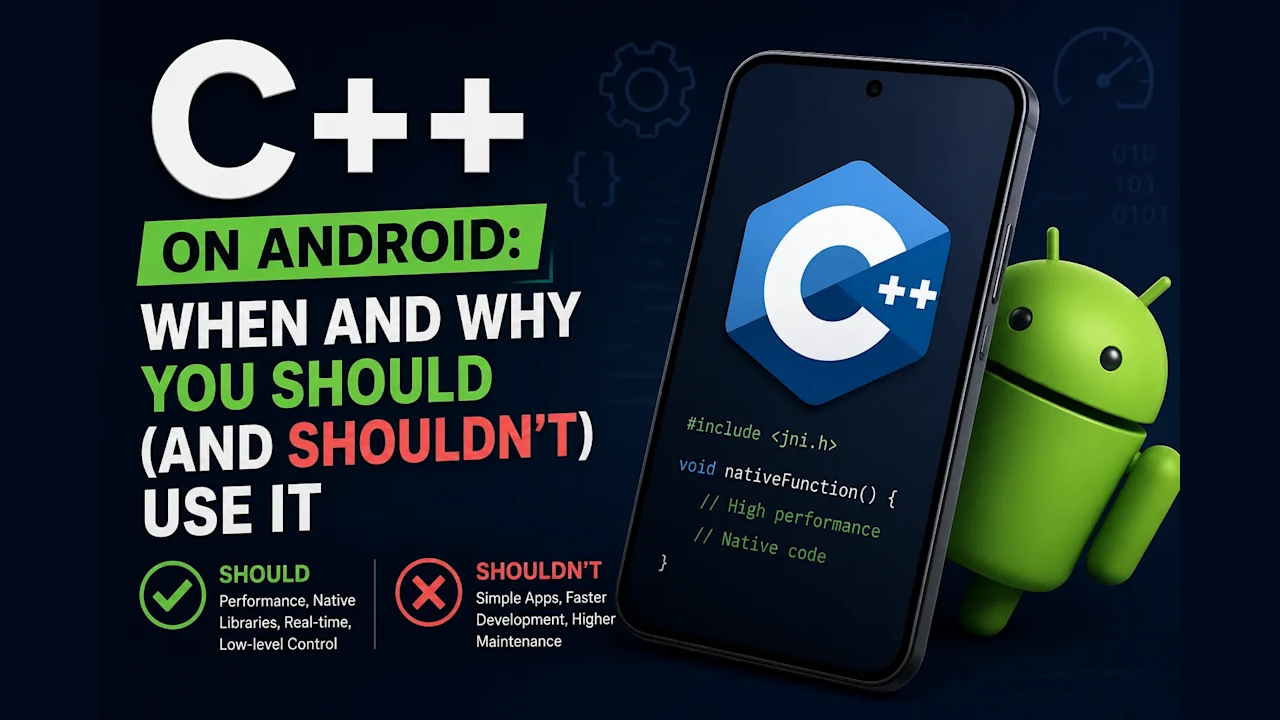
A practical guide to deciding when C++ belongs in an Android app, why it wins in the cases that matter, and the hidden costs nobody warns you about before you commit.
Most Android apps never need a single line of C++. That is the honest starting point, and I want to say it before anything else, because the internet is full of posts that make native code sound like a rite of passage. It is not. Kotlin, coroutines, and the Android Runtime handle the vast majority of apps beautifully.
The real skill is spotting the small slice of work where C++ stops being optional and becomes the only sane choice. That slice is maybe twenty percent of the problems I have run into, but when you are in it, nothing else works. The trick is recognizing it early, before you have burned a sprint optimizing Kotlin that was never going to be fast enough.
The short version
- Most Android apps need zero C++. Kotlin on the Android Runtime is the right default.
- Native code earns its place in five spots: real-time audio, game and graphics engines, heavy compute, wrapping an existing C/C++ library, and sharing a core with iOS.
- The NDK compiles your C++; JNI bridges it to Kotlin. Keep boundary crossings rare.
- The hidden bill: JNI marshaling, a heavier build, harder debugging, memory-safety risk, and the 16 KB page rule.
- Decision rule: go native only after you have profiled and the JVM itself is the wall.
What Does “C++ on Android” Actually Mean?
When people say they are “using C++ on Android,” they mean the Android NDK, the Native Development Kit. The NDK is a toolchain that compiles C and C++ into shared libraries, the .so files that ship inside your APK. Your Kotlin code then calls into those libraries through JNI, the Java Native Interface.
So the architecture is always two layers. Kotlin owns the UI, the lifecycle, and the boring glue. C++ owns one focused, performance-critical job underneath. The JNI bridge is the border crossing between them, and like any border, it has paperwork.
A few details matter from the start. The NDK ships its own C++ standard library, LLVM’s libc++, which has been the only STL option since NDK r18. You usually build with CMake, though the older ndk-build is still supported, and you ship a separate .so for each CPU architecture you support, usually arm64-v8a, armeabi-v7a, and x86_64 for emulators. Every one of those facts shows up later as either a benefit or a tax.
When Should You Reach for C++?
Reach for C++ when the JVM is the bottleneck, not your code. There are five situations where that is reliably true, and they cover almost every legitimate use of the NDK I have seen.
Real-time audio. This is the cleanest case. The Android Runtime’s garbage collector can pause your thread at any moment, and an audio callback that has to deliver samples every five to ten milliseconds cannot survive a pause. Google’s guidance for low-latency audio is to keep the real-time path out of the JVM and in native C++, precisely to dodge those GC pauses. Java has a low-latency AudioTrack mode for less demanding cases, but when you need the floor, native is the answer. The latency difference is not subtle. A typical unoptimized Java audio path lands somewhere between 100 and 250 milliseconds, while a native path through AAudio and Oboe gets under 20 on devices that support the low-latency path. I wrote a full breakdown of how that works in my modern C++ for Android audio guide, and it is the same reason I built Klarinet, a low-latency audio SDK on top of these APIs.
Game engines and graphics. Anything running a tight render loop, a physics simulation, or direct OpenGL ES and Vulkan calls lives in C++. Unity, Unreal, and Godot all run their cores natively for exactly this reason: you cannot afford a GC pause between frames at 60 or 120 fps.
Heavy compute. Digital signal processing, computer vision pre- and post-processing, encryption, codecs, and the number-crunching glue around an on-device ML model. These are tight loops over big buffers where you want SIMD instructions and predictable memory, not an interpreter deciding when to collect. This is also where RenderScript used to live; Google deprecated it in Android 12 and now points these workloads at the GPU or at native C++ with SIMD, which is part of why they land in the NDK today.
Reusing an existing C or C++ library. If a mature library already exists in C++, FFmpeg, OpenCV, libsodium, a vendor’s C SDK, rewriting it in Kotlin would be reckless. You wrap it instead.
Sharing a core across platforms. This is the one teams underrate. A C++ core compiles for Android and iOS and desktop from one codebase. I covered the iOS half of this in how to use C++ code in your iOS and tvOS Xcode project. Write the engine once, expose a thin platform-specific surface on each side, and you maintain one implementation instead of three.
To head off the obvious question: this is not the same as Kotlin Multiplatform. KMP shares your Kotlin business logic across platforms and is the right default for that, but it still runs on a garbage-collected runtime, so it does not replace C++ in the realtime, SIMD, lock-free slice. In practice they work together: a KMP app wraps a C++ core, which is exactly how I built Klarinet.
Why C++ Wins in Those Cases
The wins all trace back to one thing: C++ gives you control the managed runtime deliberately takes away. That control is a liability in a normal app and a superpower in the cases above.
Determinism is the biggest one. There is no garbage collector to pause your thread at the worst possible moment, so a real-time loop runs when you tell it to. You also get direct memory control, which means you can lay data out cache-friendly, avoid allocations in the hot path, and reach for SIMD intrinsics like ARM NEON to process many samples or pixels per instruction. None of that is available to you through the JVM.
Then there is the ecosystem. Decades of mature, well-tested C and C++ libraries exist for audio, video, math, and cryptography, and the NDK lets you use them directly rather than through a wrapper of a wrapper. Combine that with cross-platform sharing and the value compounds: the same DSP code that powers your Android audio engine also runs on iOS, so you verify it once and fix it once.
The Costs Nobody Mentions
Here is where the bill comes due. C++ on Android is not free, and the costs are real enough that they should kill most casual ideas of “let me just rewrite this in native for speed.”
The JNI boundary is not free. Every call across JNI marshals data between the managed and native worlds, and that has a cost. The rule that saves you is simple: cross the boundary rarely, and move a lot each time, typically through a direct ByteBuffer that both sides share without copying. Chatty JNI, thousands of tiny calls, will erase the very performance you went native to get.
The build gets heavier. You now own a CMake configuration, a JNI bridge, and a toolchain that is fussier than Gradle alone. If you are still wrestling with the Kotlin build, my Groovy-to-Kotlin DSL Gradle guide is worth a detour first, because native builds assume you are already comfortable there.
Debugging is harder. A native crash does not give you a friendly Kotlin stack trace. You learn ndk-stack to symbolicate native crash dumps, and you get familiar with signals like SIGSEGV instead of exceptions. It is a different muscle.
You take on memory-safety risk. Kotlin and the JVM are memory-safe by construction. C++ hands back buffer overflows, use-after-free, and integer overflow, and on Android those are not just crashes, they are exploitable security vulnerabilities. Bundled native libraries like FFmpeg or OpenSSL also make their CVEs your patching problem. This is the strongest modern argument against reaching for native code, and it is why Google now favors Rust for new platform-level native work. If that argument lands for you, my Rust toolchain setup guide walks the same NDK pipeline with cargo-ndk instead of CMake.
Your APK grows. You ship a .so per architecture, so supporting arm64-v8a, armeabi-v7a, and x86_64 triples that slice of a universal build. App Bundles, mandatory on Google Play, split by ABI so each device downloads only its own .so, which puts the real on-device cost closer to one architecture than three. The native payload is still bigger than zero.
The 16 KB page-size rule now applies to you. Since November 1, 2025, new apps and updates on Google Play that target Android 15 (API 35) or higher must support 16 KB memory pages on 64-bit devices, and Google extended the Play Console enforcement deadline to May 31, 2026. Pure Kotlin and Java apps already comply for free. The moment you ship native code, you inherit this requirement and must rebuild your .so files with proper alignment. NDK r28 and later do this by default; on r27 you have to opt in with explicit linker flags. It is usually just a rebuild, but watch the transitive case: a stale prebuilt .so buried in a third-party AAR can fail the check even when your own code is clean, so treat it as a dependency audit, not just a flag flip.
Maintenance is a tax you pay forever. Two languages, two mental models, two sets of gotchas. Every engineer who touches that part of the codebase needs to be comfortable in both.
When Should You Not Use C++?
Do not use C++ for a normal app. If you are building CRUD screens, talking to a REST API, rendering lists, and handling forms, Kotlin with coroutines on the Android Runtime is not just enough, it is genuinely the right tool. The runtime has had years of optimization, and the productivity gap between Kotlin and C++ for ordinary work is enormous.
Be especially wary of premature optimization. “It might be faster in C++” is not a reason; it is a hypothesis, and an expensive one to test. Profile first. Most performance problems on Android are a bad database query, an image loaded on the main thread, or an over-rendering Compose tree, none of which native code fixes. If you have not measured, you are not optimizing, you are guessing in a harder language.
How Do You Decide If Code Belongs in C++?
When I am deciding whether a piece of work belongs in C++, I run it through four questions. If the answer to all four is yes, go native. If any is no, stay in Kotlin and revisit only when the data forces you to.
- Is the JVM itself the bottleneck? Real-time constraints, GC pauses, or raw compute that the runtime cannot meet, not just code you have not optimized yet.
- Have you profiled and confirmed it? You have numbers, not a hunch, showing managed code cannot hit the target.
- Does a mature native solution already exist, or must you share this core with iOS? Reuse and cross-platform sharing justify the bridge on their own.
- Can you afford the lifetime cost? The build complexity, the debugging, and the maintenance, for as long as the app lives.
That is the whole rule. C++ on Android is a precision instrument, not a default. Used in the right twenty percent, it does things Kotlin simply cannot. Used everywhere else, it is a self-inflicted wound. Knowing the difference is the entire job.
Frequently Asked Questions
Is C++ faster than Kotlin on Android? For real-time and compute-heavy work, yes, because it avoids garbage-collection pauses and gives you direct memory and SIMD access. For ordinary app logic, the difference is usually irrelevant, and the Android Runtime is fast enough that Kotlin wins on productivity. Speed only matters where the JVM is the actual bottleneck.
Do I need C++ to build a normal Android app? No. The overwhelming majority of apps ship without a line of native code. You only need the NDK for specific jobs like audio, games, graphics, heavy compute, or reusing an existing C or C++ library.
What is the difference between the NDK and JNI? The Android NDK is the toolchain that compiles your C and C++ into shared libraries. JNI is the interface your Kotlin code uses to call into those libraries at runtime. You use both together: the NDK builds the native layer, JNI bridges it to Kotlin.
Will adding C++ break my app on newer devices? It can if you ignore the 16 KB page-size requirement. Since November 2025, native apps targeting Android 15 or higher on Google Play must support 16 KB pages, which usually just means rebuilding with NDK r28 or later. Pure Kotlin and Java apps are unaffected.
Resources
- Android Developers, NDK C++ library support, retrieved 2026-06-20, developer.android.com/ndk/guides/cpp-support
- Android Developers, JNI tips, retrieved 2026-06-20, developer.android.com/ndk/guides/jni-tips
- Android Developers, Support 16 KB page sizes, retrieved 2026-06-20, developer.android.com/guide/practices/page-sizes
- Android Developers Blog, Prepare your apps for Google Play’s 16 KB page size requirement (May 2025), retrieved 2026-06-20, android-developers.googleblog.com
- Google, Oboe low-latency audio library, retrieved 2026-06-20, github.com/google/oboe
- Android Developers, AAudio NDK guide, retrieved 2026-06-20, developer.android.com/ndk/guides/audio/aaudio/aaudio
- Android Developers, NDK revision history, retrieved 2026-06-20, developer.android.com/ndk/downloads/revision_history
Loading comments…